Sign up to view this video
Join Now
00 - Tonal Foundation
SUMMARY
This video is critical for you to start on the right foot with the Signature Preset. Since the Presets have been dialed in with my guitars, you will likely need to make some adjustments to the EQ and level to best suit your guitar and pickups. This video shows you exactly where to start.
ADJUSTING THE GAIN LEVEL
The “CLEAN VERB” Scene should sound slightly broken up when you dig in hard on your bridge pickup and totally clean when you strum lightly.
If your guitar is too clean, raise the Volume on the Jewel Compressor block.
If your guitar is too overdriven, lower the Volume on the Jewel Compressor block.
You can also use the always-on CD65 NEVE capture to adjust the base saturation of the preset.
And you can always reach for the Amp blocks themselves as well. Raise or lower the Gain on each amp equally until the base clean tone suits your taste.
ADJUSTING THE EQ
JEWEL COMP - Start with the Jewel Compressor block which has a powerful tilt shelf EQ and High Cut switch that can simply and effectively brighten or darken your tone.
CD65 NEVE - This special combo capture is my SoloDallas CD65 in series with an API Preamp and Neve EQ. It’s already pre-EQ’d to my taste, but the capture block itself features a 3-band EQ that you can use to further adjust your base tone.
CAPTURE BLOCK EQ
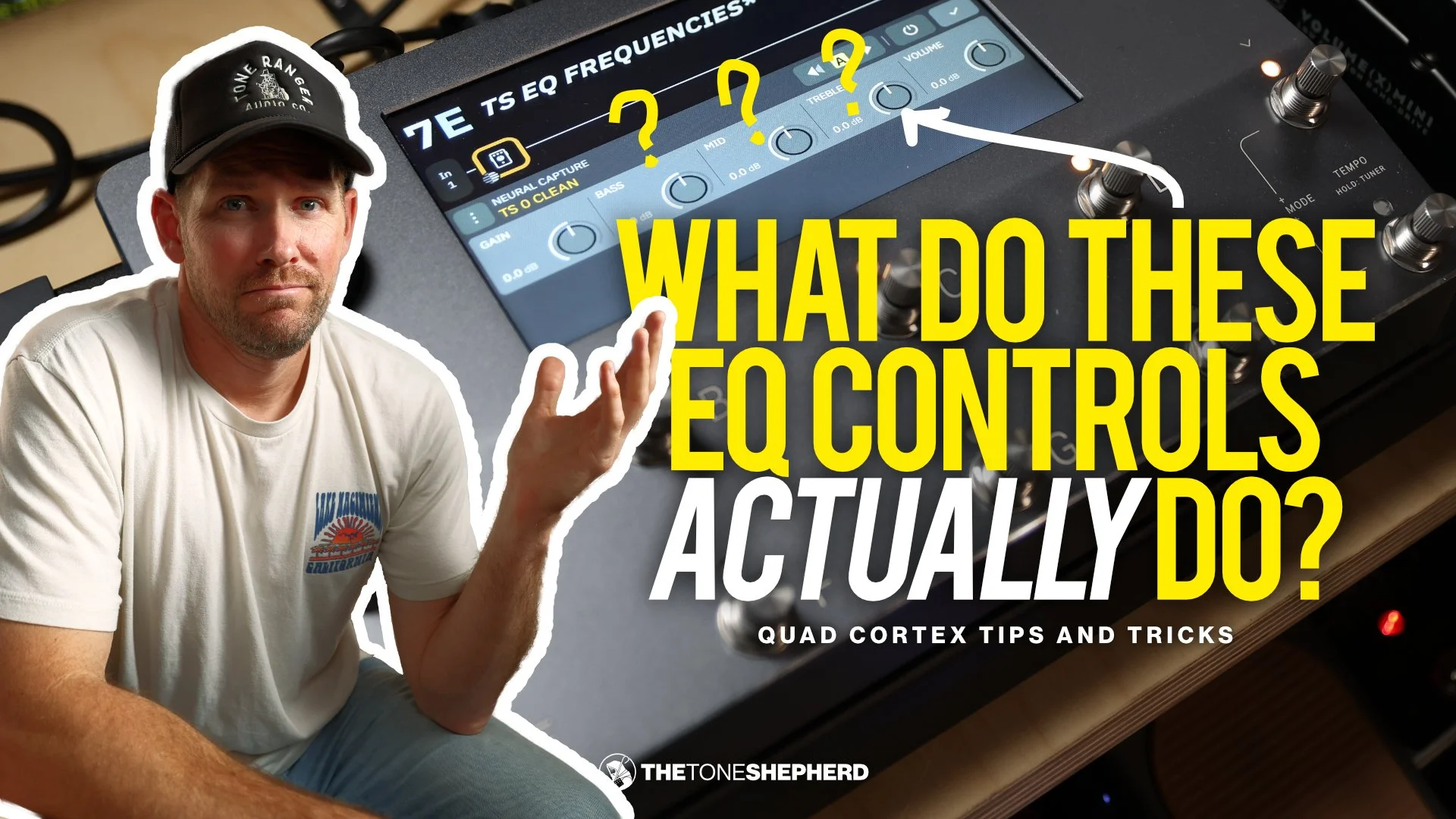
Every capture block features a 3-band EQ that can further sculpt your tone. For your reference, these are the frequencies those knobs are actually controlling:
BASS: 130Hz Bell (Q: 0.75)
MID: 750Hz Bell (Q: 0.65)
TREBLE: 1kHz 12dB/oct Shelf
SECTIONS
00:00 Intro
00:05 No EQ Blocks?
00:15 Jewel Comp EQ & Volume
01:32 CD65 NEVE Capture
02:29 3-Band EQ on Capture
02:49 V2 Neve Caps
03:06 Is This Preset Too Dark?
03:58 How To Brighten It